Progressive Web Apps (PWA): The Complete Guide for Business Owners
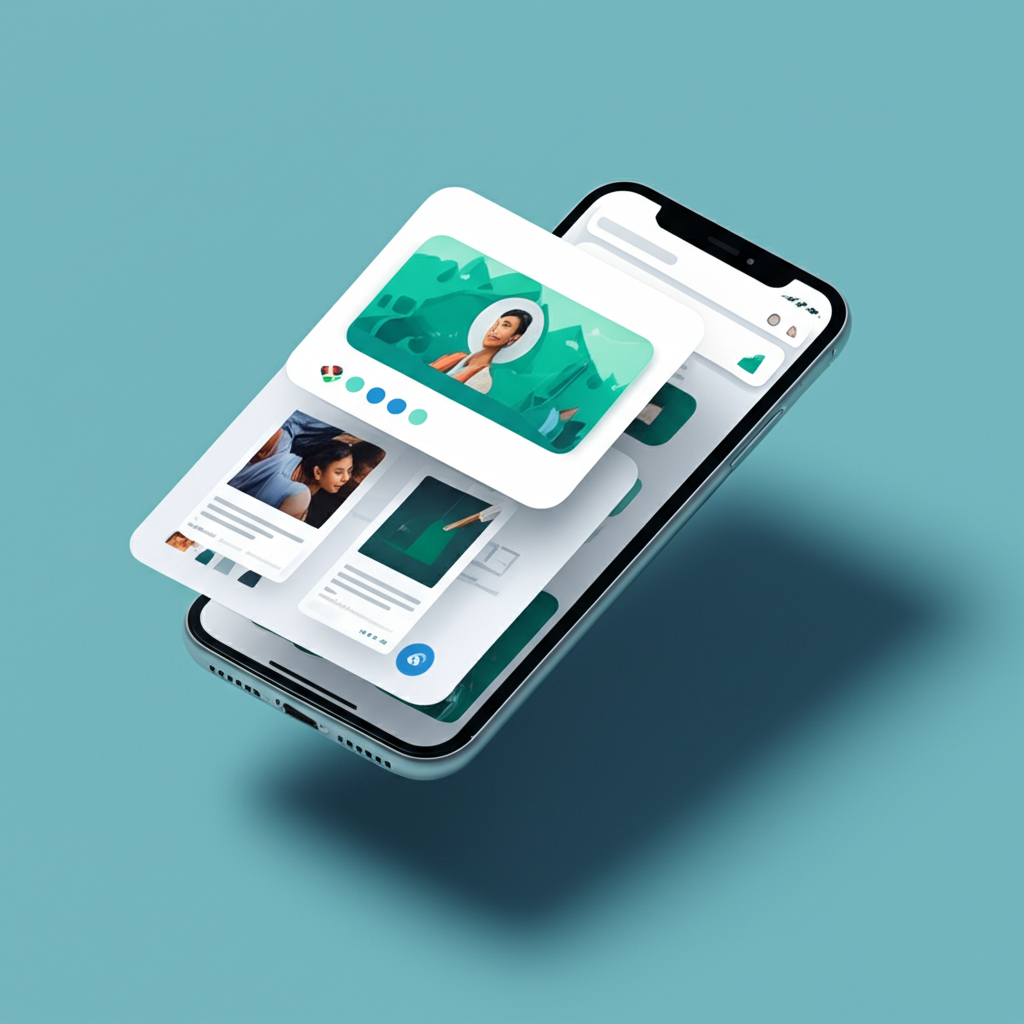
Progressive Web Apps (PWA): The Complete Guide for Business Owners
You want the reach of a website and the experience of a mobile app — without the cost and complexity of building two separate products. Progressive Web Apps (PWAs) sit at that intersection. This guide explains what PWAs are, how they compare to native apps, which businesses benefit most, and how to decide whether one is right for you.
What Is a Progressive Web App?
A Progressive Web App is a website that uses modern browser APIs to deliver app-like features: offline functionality, push notifications, installability on the home screen, fast load times, and full-screen display without a browser toolbar.
PWAs are built with standard web technologies — HTML, CSS, and JavaScript — but they use a set of APIs (particularly Service Workers and the Web App Manifest) that enable capabilities previously only possible in native apps.
The key word is "progressive" — a PWA works as a regular website for users who don't install it, and progressively unlocks app-like features for users who do. No App Store required, no download required for basic access.
Core PWA Features Explained
- Offline functionality (Service Workers): A service worker is a background script that caches assets and data. When the user loses their connection, the PWA can serve cached content instead of showing an error page. Critical for e-commerce, travel apps, or any service used in low-connectivity environments.
- Installable (Web App Manifest): Users can add the PWA to their device home screen — iOS and Android. Once installed, it opens in full-screen without a browser bar, looks and feels like a native app, and appears in the app drawer.
- Push notifications: PWAs can send push notifications to users who have opted in — even when the browser is closed. This enables re-engagement campaigns, order updates, and real-time alerts comparable to native app notifications.
- Fast load performance: With service worker caching and modern web optimization, PWAs load extremely fast on repeat visits — assets are served from cache rather than the network.
- Responsive by design: PWAs must work across all screen sizes — desktop, tablet, and mobile — as part of the core standard.
PWA vs Native App: The Key Differences
Choosing between a PWA and a native app depends on your use case, audience, and budget:
- Development cost: A native app requires separate codebases for iOS (Swift) and Android (Kotlin/Java), or a cross-platform framework like React Native. A PWA is one codebase for all platforms. PWAs typically cost 40–60% less to build than native apps with equivalent features.
- Distribution: Native apps require App Store and Google Play submission, review processes (which can take days), and users must actively download them. PWAs are instantly accessible via URL and installable from the browser — no app store friction.
- Device hardware access: Native apps can access the full device hardware — camera (advanced), Bluetooth, NFC, GPS, accelerometer, contacts, and more. PWAs have growing hardware access but remain more limited for advanced device features.
- Discoverability: PWAs are indexed by search engines and can be found via Google. Native apps are not indexable by Google and rely on App Store search and paid acquisition. This makes PWAs significantly more discoverable for organic traffic.
- Updates: PWA updates deploy instantly — users always get the latest version on next load. Native app updates require re-submission to app stores and user action to update.
When PWAs Work Best: Real Business Use Cases
E-commerce
PWAs significantly improve mobile e-commerce conversion rates. The Starbucks PWA delivers offline browsing of the menu, allowing customers to add items even without a connection. Pinterest saw a 44% increase in user-generated ad revenue after rebuilding their mobile experience as a PWA. Fast loads and home screen installation reduce the drop-off between intent and purchase.
Media and Content Publishing
News sites, blogs, and content platforms benefit from PWA push notifications for breaking news and offline article reading via service worker caching. The Washington Post and Forbes both run PWAs that load in under 1 second on repeat visits.
SaaS and Business Tools
SaaS applications used frequently by customers benefit from home screen installability and fast loading. When users install a PWA, daily active usage typically increases significantly compared to browser-only access.
Service Booking and Appointments
Service businesses with booking flows see improved completion rates with PWAs because the streamlined, app-like interface reduces friction and push notifications can remind users of upcoming appointments or send re-booking prompts.
When You Still Need a Native App
PWAs are not the right answer for every project. Build a native app when:
- Your app requires deep hardware integration — advanced camera features, Bluetooth connectivity, NFC, or biometric authentication beyond basic WebAuthn
- App Store presence is part of your distribution and marketing strategy (your users explicitly look in app stores)
- You need features not yet available via web APIs in your target browsers
- Your audience is heavily iOS-based and you need the full depth of iOS-specific capabilities
Technical Requirements for a PWA
Three technical components define a PWA:
- HTTPS: PWAs must be served over a secure connection. This is a hard requirement — service workers only run on HTTPS.
- Web App Manifest: A JSON file that tells the browser how to display the app when installed — name, icons, theme color, display mode (fullscreen, standalone), and start URL.
- Service Worker: A JavaScript file that runs in the background and handles caching, offline behavior, push notifications, and background sync.
If you're using a modern framework like Next.js, there are well-maintained PWA plugins (next-pwa) that handle the service worker setup. For WordPress, plugins like Super Progressive Web Apps handle the manifest and basic service worker registration.
Is a PWA Right for Your Business?
Consider a PWA if:
- You have significant mobile traffic that doesn't convert as well as desktop
- You want push notification capability without the cost of building a native app
- Your users frequently revisit your site (tools, dashboards, stores, media)
- You're considering a native app but the budget is a constraint
- Your product is accessed in environments with unreliable connectivity
Build Your PWA with Flux8Labs
A well-built PWA combines front-end performance engineering with a thoughtful offline strategy and user experience design. Done poorly, PWAs can feel worse than the regular website they replace. Done well, they deliver measurable improvements in engagement, retention, and conversions.
At Flux8Labs, we design and develop Progressive Web Apps for businesses looking to deliver app-quality experiences without the overhead of native development. Get in touch to discuss whether a PWA makes sense for your product.
Frequently Asked Questions (FAQ)
-
Q1: Do PWAs work on iPhones (iOS)? Yes, PWAs work on iOS — they can be added to the home screen via Safari and run in standalone mode. However, iOS historically had more PWA limitations than Android (particularly around push notifications and service worker capabilities). Apple has progressively improved PWA support across recent iOS versions, and the gap with Android has narrowed significantly. For most PWA use cases, iOS support is now sufficient.
-
Q2: How much does it cost to build a PWA? A PWA built from scratch as a new product typically costs 15,000–60,000+ USD depending on complexity, features, and backend requirements. Adding PWA capabilities (manifest, service worker, offline support) to an existing modern website can cost as little as 3,000–8,000 USD. The cost depends heavily on the depth of offline functionality and whether push notifications need to be integrated with a backend notification service.
-
Q3: Can a PWA replace a native app entirely? For many businesses, yes. If your app doesn't require deep device hardware access (Bluetooth, NFC, advanced camera), a well-built PWA can deliver equivalent functionality to a native app with faster development timelines, lower costs, and better discoverability via search. Companies like Twitter (X), Starbucks, Pinterest, and Forbes rely on PWAs as their primary mobile web experience.